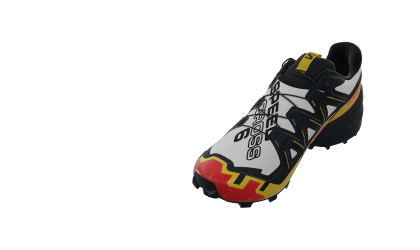
3D & AR Product Configurators

Empower shoppers to easily configure products in Interactive 3D & AR

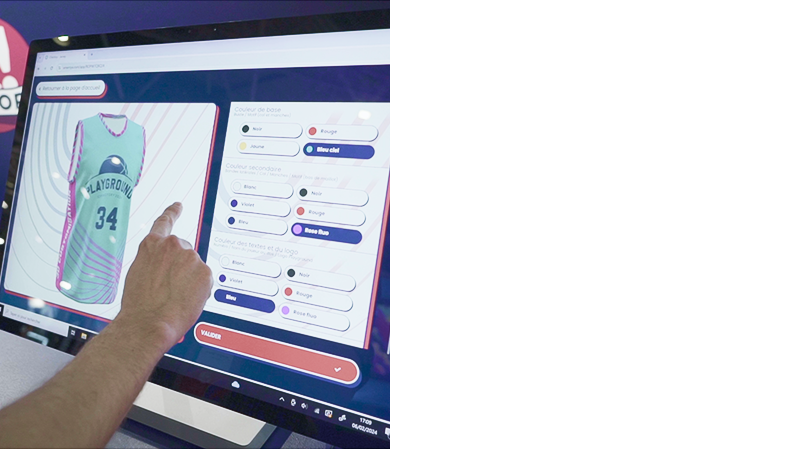
Configure any product, online & in-store!

From configuring one product to an entire space,
offer customers the most intuitive and interactive product configuration experience

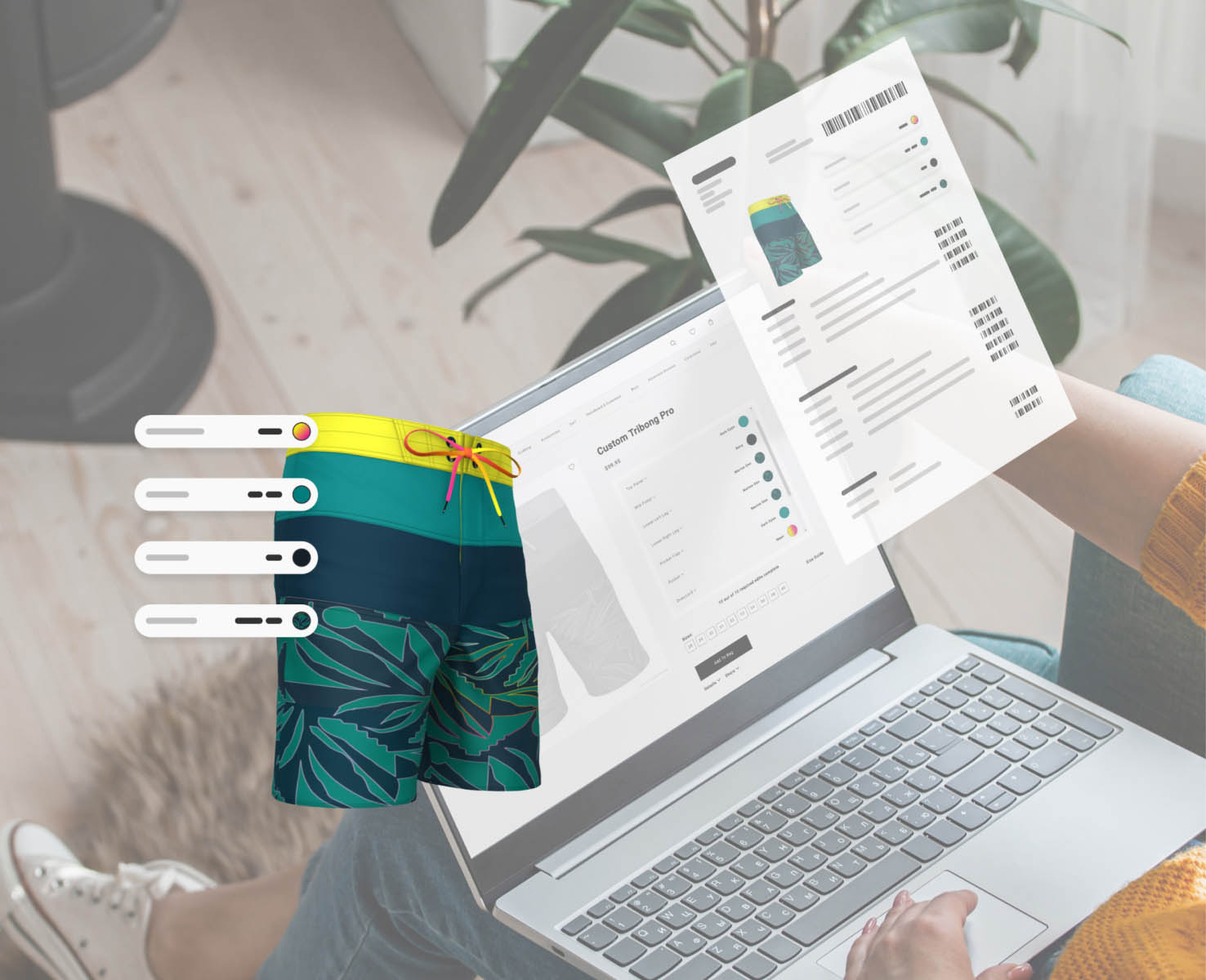
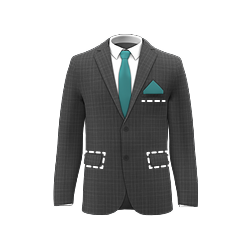
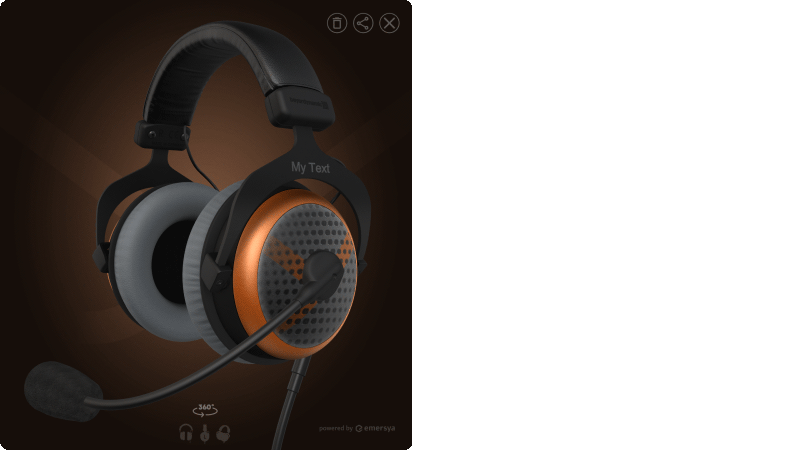
Product Configurator

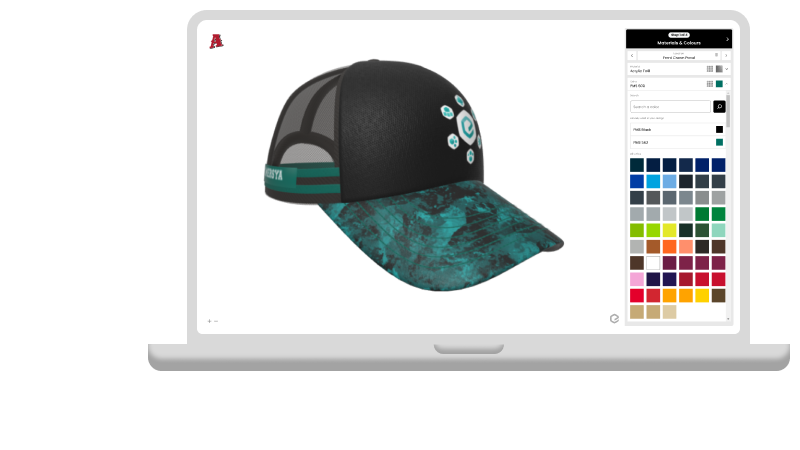
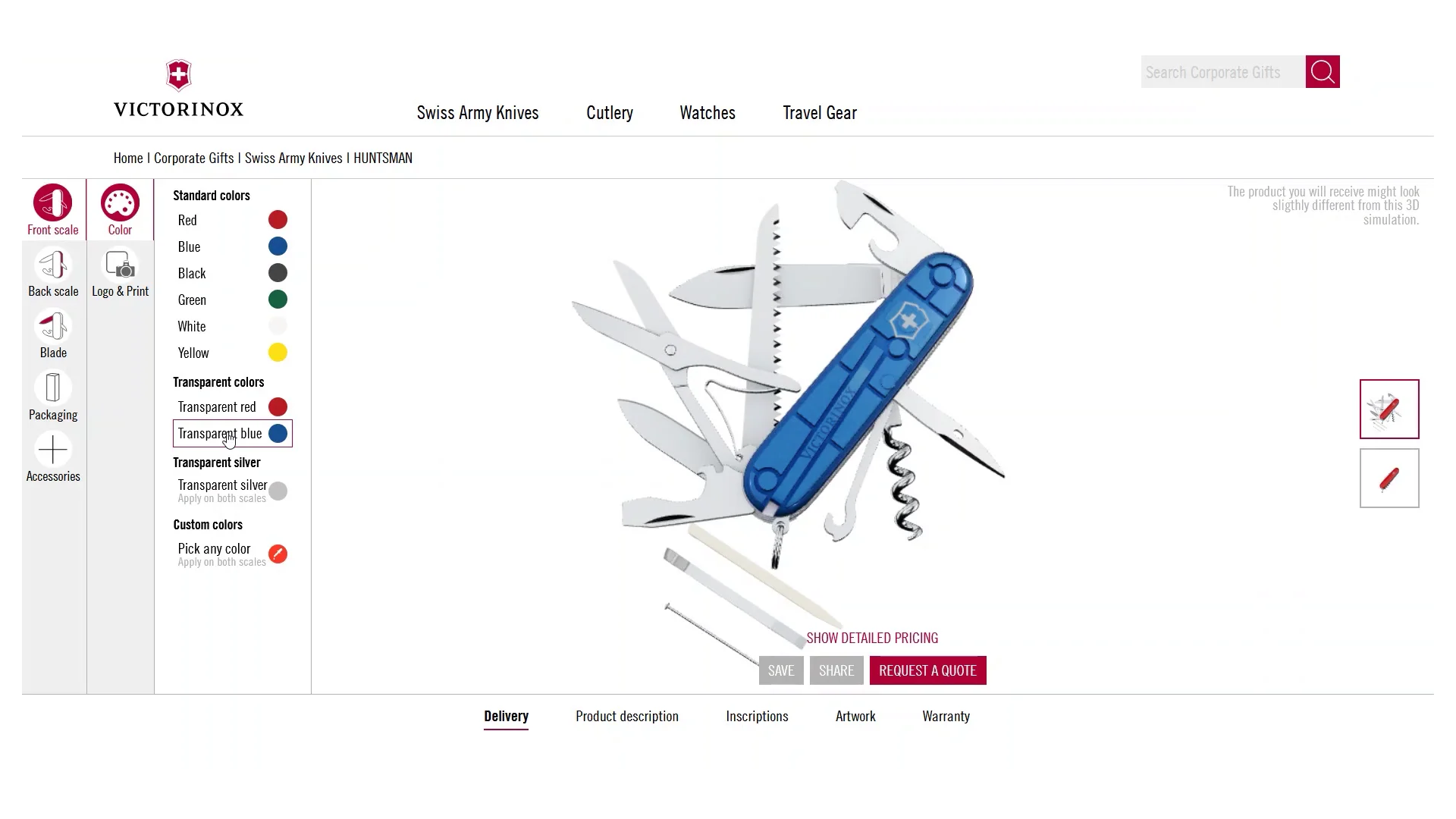
Customers can easily browse and visualize all product options and components to create their custom configuration.

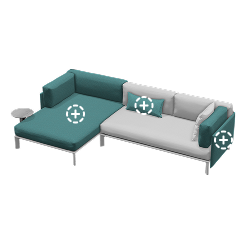
Modular Configurator

Customers can drag & drop different product modules into the 3D viewer and combine them in different ways to create a unique product.

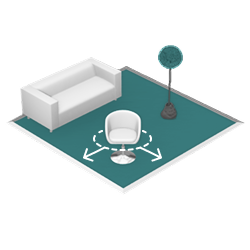
Room Planner

Customers can define a virtual space into which they can drag & drop any available products to plan and visualize their room design.

Drive conversion and reduce returns by up to 100%

Drive conversion with 24/7 sales tool

Deploy online
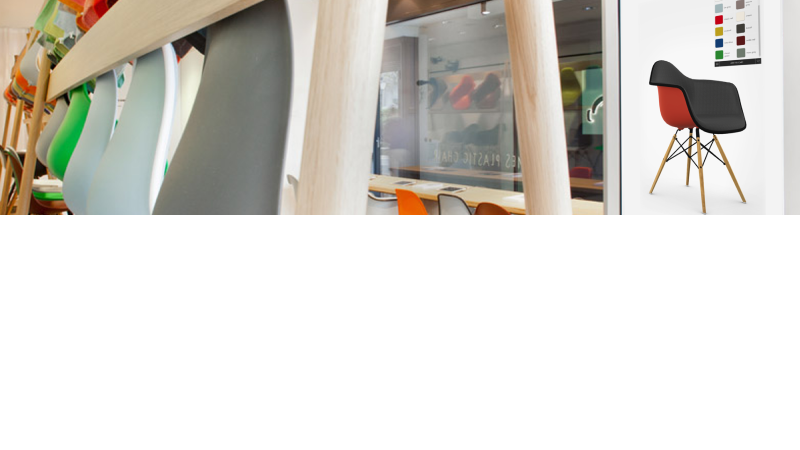
AND In-store

Boost customer satisfaction & loyalty

Reduce returns
by up to 100%

The ultimate 3D product configurator for consumers

Infiniti Pure Loop Mono chair configurator presenting different model variants
Infiniti chair with grey plastic seat and metal base
Infiniti chair with grey plastic seat and metal feet with castors
Infiniti chair with grey plastic seat and wooden base

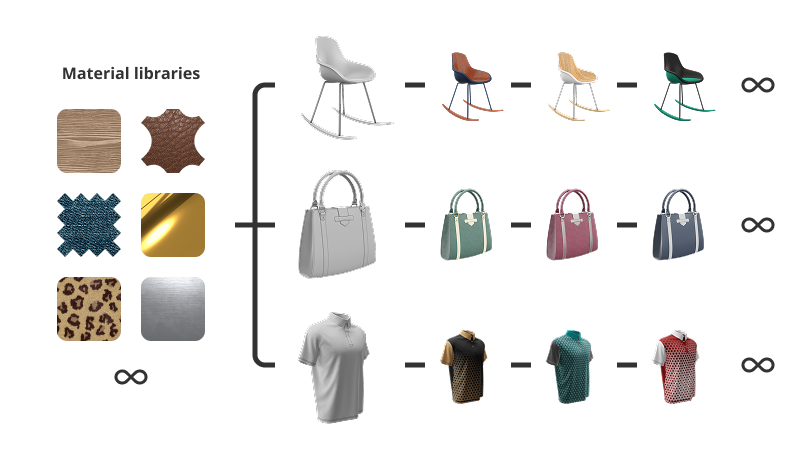
Visualize unlimited options instantly

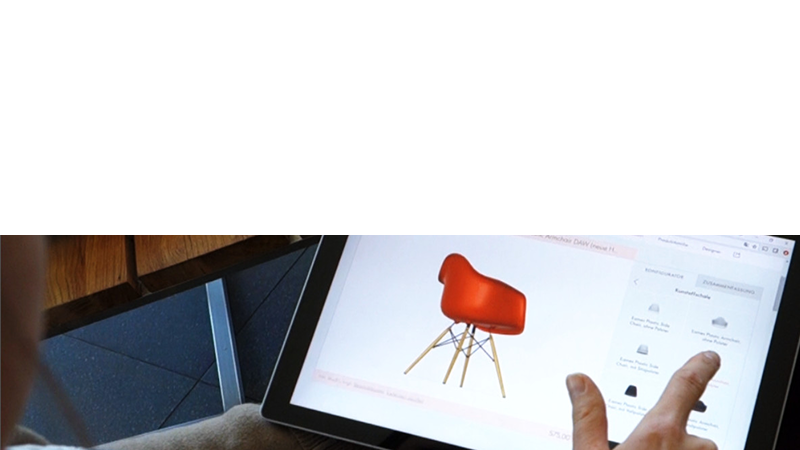
Emersya’s Interactive 3D empowers consumers to seamlessly explore and visualize all product options with high-end interactive 3D product previews that update in real-time.
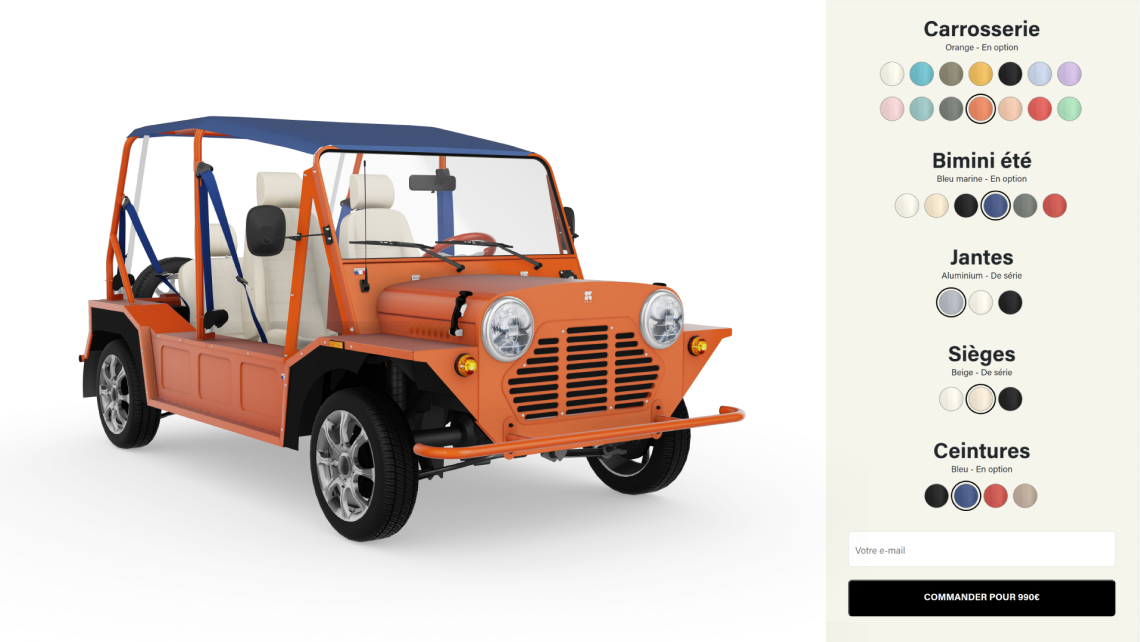
The 3D viewer intuitively guides shoppers through the configuration experience by moving to the best viewpoint from each configurable part of the product.

Customers no longer need a Sales Rep to create their custom product configuration!

Configure in 3D, visualize in AR

Emersya makes it possible to configure a product in Interactive 3D and switch instantly to the Augmented Reality view to visualize the configured product to scale, in context.

Empowering customers to try out their custom designs in their own space boosts confidence and facilitates the decision making process!

Interactive 3D preview of a wash basin configuration on the XTONE website.
Save & Share icon on the XTONE Interactive 3D configurator for was bassins
XTONE Interactive 3D configurator Save & Share by email feature.

Save, Share & Resume

With Emersya’s 3D Viewer, customers can save their configuration and generate a replay link to share & review their product design in Interactive 3D at any time, on any device.

They can share the link to get a second opinion and then reload their custom product design back into the online 3D configurator to make changes before ordering the final product.

FREE PROJECT PLANNING TEMPLATE

Your configurator deserves a concrete plan!

This practical template helps you translate ideas into structured requirements, align teams and move forward with a shared, actionable plan.

The ultimate 3D product configurator platform

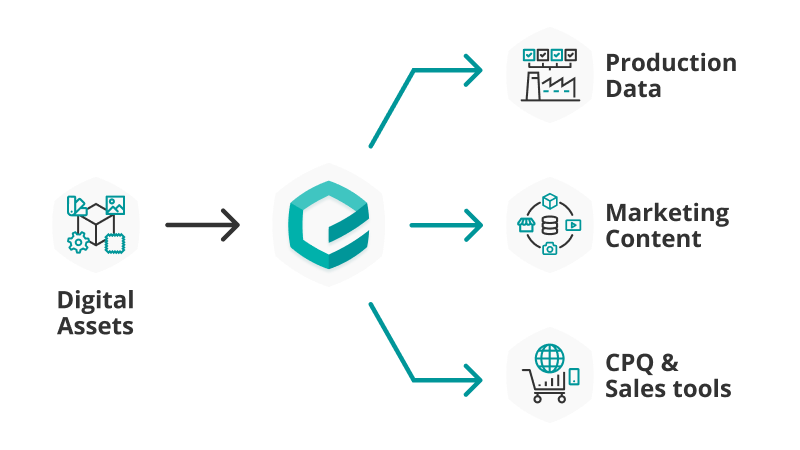
Emersya empowers brands and retailers to create, manage and deploy
3D product configurators across their entire omni-channel sales network

Manage SKUs, products rules and pricing

Emersya offers the possibility to set up your SKUs with all their attributes and prices, directly on the platform.

This way, all product options along with the configuration rules that control which options go together can be defined and managed on Emersya.

From the color and material options for each configurable part, to defining complex configuration logic and product rules, Emersya provides a no-code interface for setting up and managing your product configurator options.

Interactive 3D preview of a custom cabin bed configuration on Mon Lit Cabin's website
Interactive 3D configurator interface on Mon Lit Cabin's website, showing the different parts of the cabin bed that can be configured and a preview of the options selected by the customer. The price of the selected options is calculated in real-time and shown that the bottom of the menu.
A sub menu of the Interactive 3D configurator menu interface on Mon Lit Cabane's website. The sub menu shows the different options of the cabin bed's saftey rails are available for the customer's current cabin bed configuration. The price of each option is also indicated.

Generate user interfaces instantly

Once you have set up your product options and rules, the Emersya Platform can automatically generate an easy-to-use configurator interface that you can simply embed in your website.

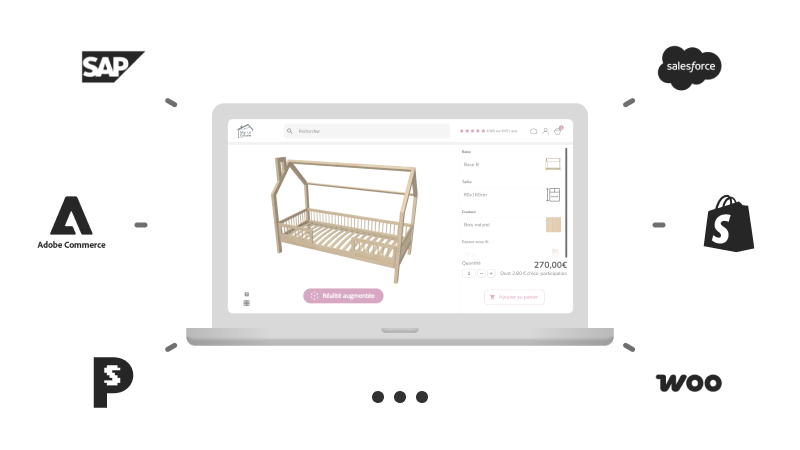
Emersya’s Plug&Play technology is easily embedded in any CMS or eCommerce Platform and our API makes it possible to integrate with the back-end or external systems.

Horse pilot customizble jacket for woman, Aeromesh model
Different options to customize the parts of the Horse pilot jacket for woman, Aeromesh model
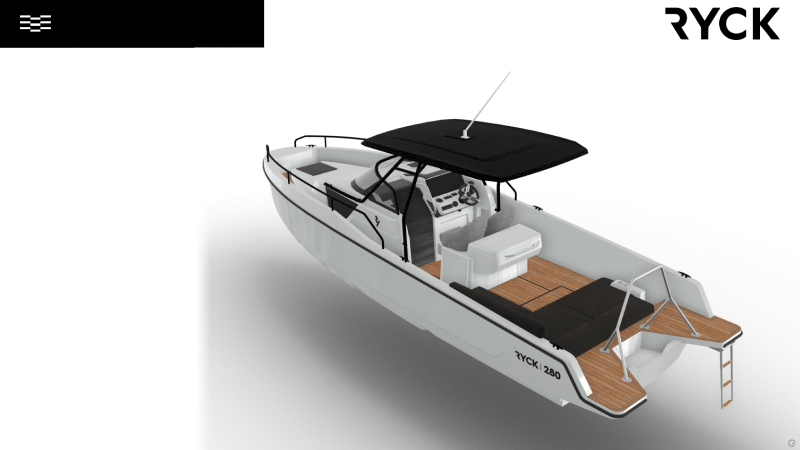
Example of a 3D view of a finished product configuration of a Ryck 280 done by a customer. The photorealistic 3D permit to see all the choosen options in detail, with a powerfull zoom.
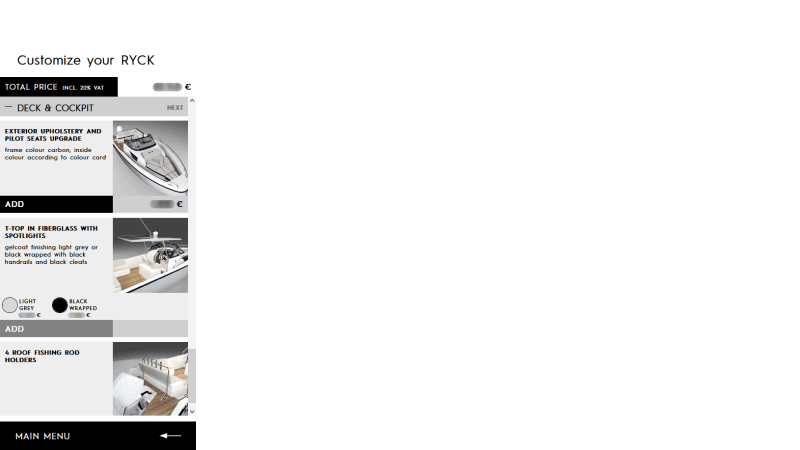
The picture show the different steps of the product configurator of a Ryck 280 that can be done by a customer. The photorealistic 3D of the boat permit to see all the choosen options in detail, with a powerfull zoom. This page concerns the deck and cockpit configuration with the choice of the exterior upholstery and pilot seats upgrade. The customer can also add a T-Top in fiberglass with spotlights and roof fishing rod holders.

Create custom user interfaces

Emersya has developed a simple yet extensive API to enable brands to create custom user interfaces and integrate their 3D product configurator with their eCommerce, CMS and ERP systems.

The API functions allow you to control all 3D viewer features from the parent web page and to listen to events happening in the 3D viewer.

Deploy across your retail network

Empower retailers and  distributors to generate and easily embed Interactive 3D configurators for your products into their eCommerce sites!

With the Emersya platform, you can allow retailers to choose which product options they wish to sell, to set their own prices and generate a unique url for their customized version of the product configurator interface.

The configurator can then be embedded directly in the retailer’s online product page.

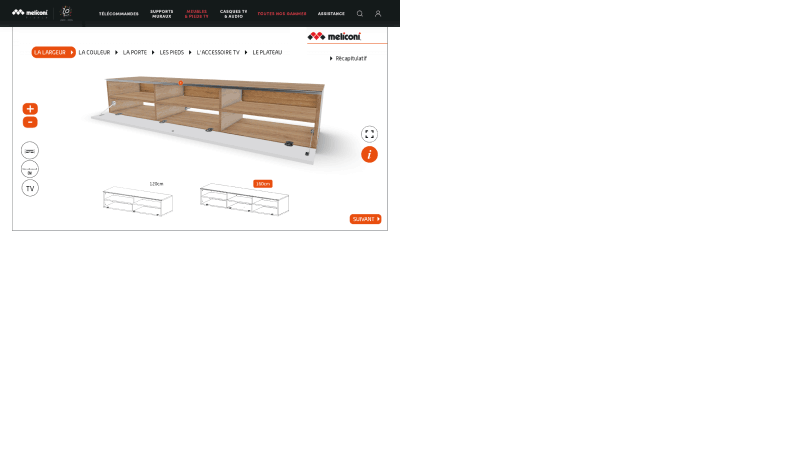
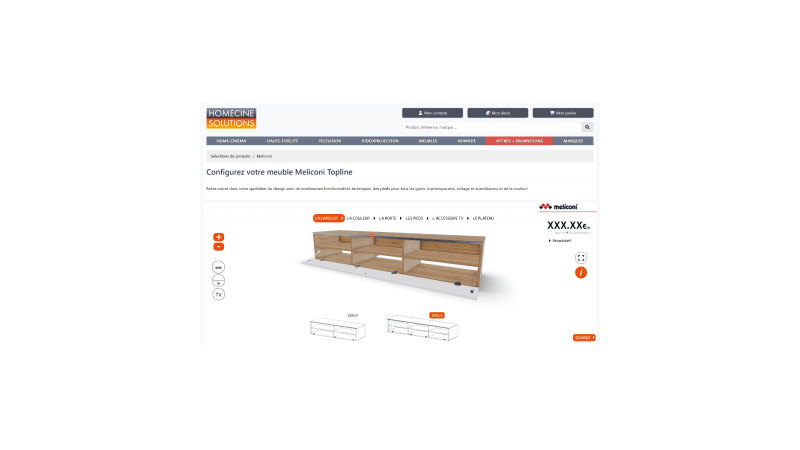
Picture of a Meliconi configurable cabinet on the website of the furnitures brand.
Picture of a Meliconi configurable cabinet on the website of HomeCine, one of furnitures brand's distributors.
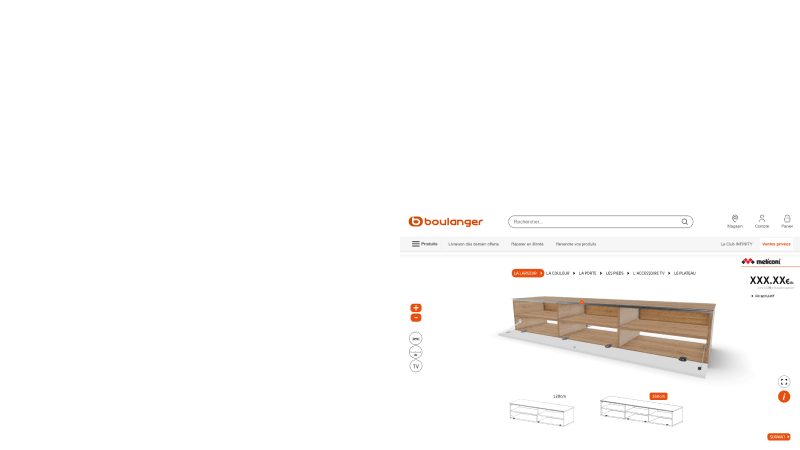
Picture of a Meliconi configurable cabinet on the website of Boulanger, one of furnitures brand's distributors.

Generate an order summary

Easily generate all the data you need for your order summary page or downloadable PDF. Using Emersya’s API, you can instantly generate:

  • the list of selected options
  • preview images from any viewpoint
  • a shareable replay link
  • the price of all selected options

Emersya’s API can also be used to integrate the 3D product configurator with your CMS or eCommerce platform.

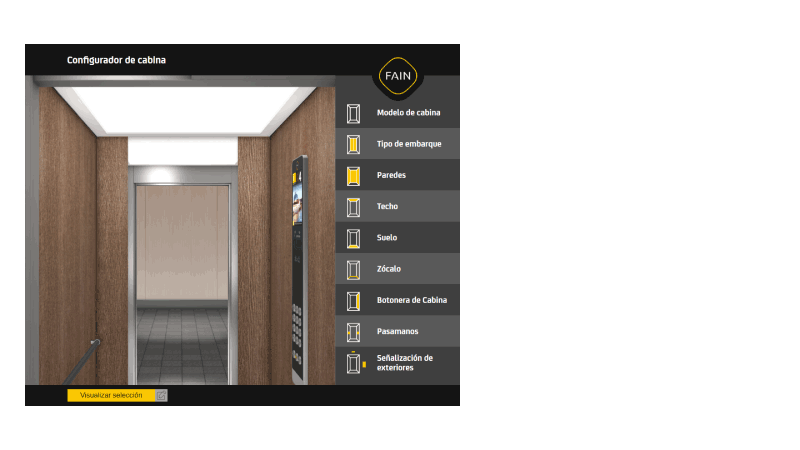
Web page of a product configurator of a lift cabin. You can personalize the walls, the lighting, the floor, the plinth, the handrail and the switches. Emersya permit a live view of the configuration you are doing.
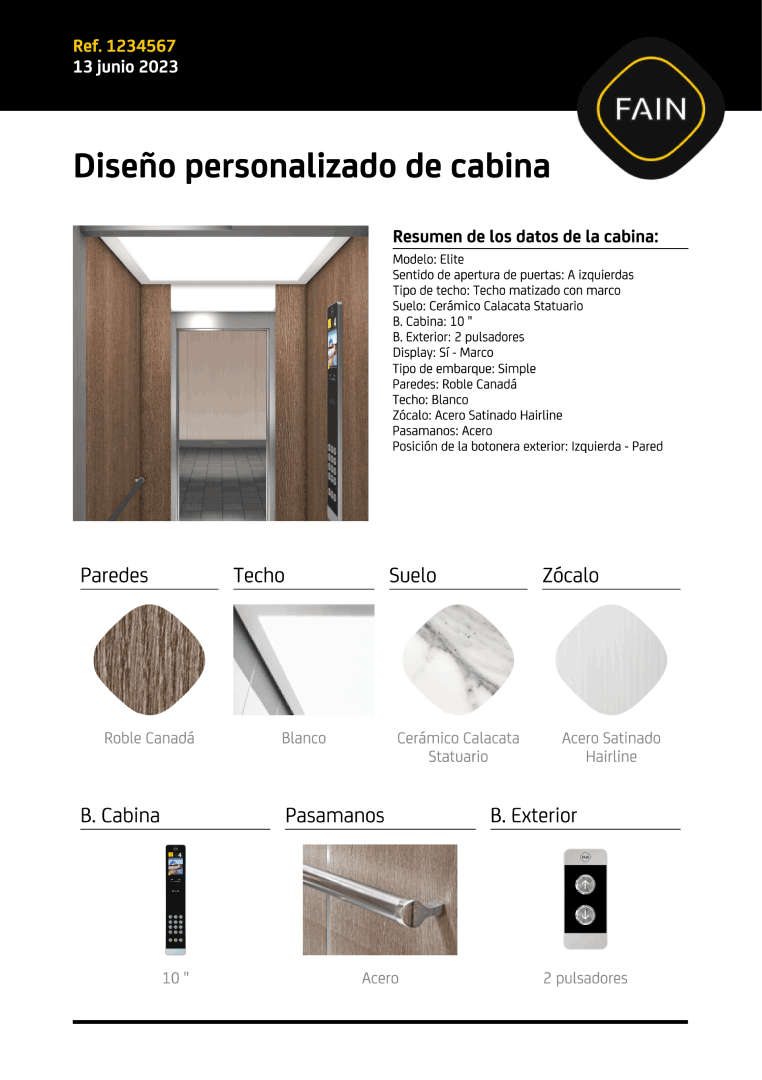
Technical sheet of a product configuration of a lift cabin. You can personalize the walls, the lighting, the floor, the plinth, the handrail and the switches. Emersya permit a live view of the configuration you are doing.

Discover examples from your industry

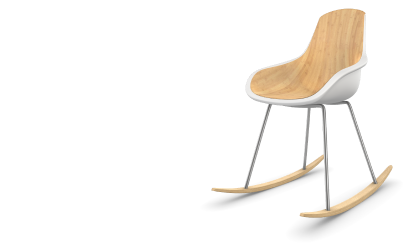
configuration of a designer rocking chair Emersya Homepage

Furniture

ui-arrow-r-white
Chromed Aston Martin Vanquish supercar

Vehicules

ui-arrow-r-white
Industrial pump

Industrial Products

ui-arrow-r-white

Easily embed in any website!

Deploy & update instantly anywhere

Share with your entire sales network

Develop custom user interfaces with API

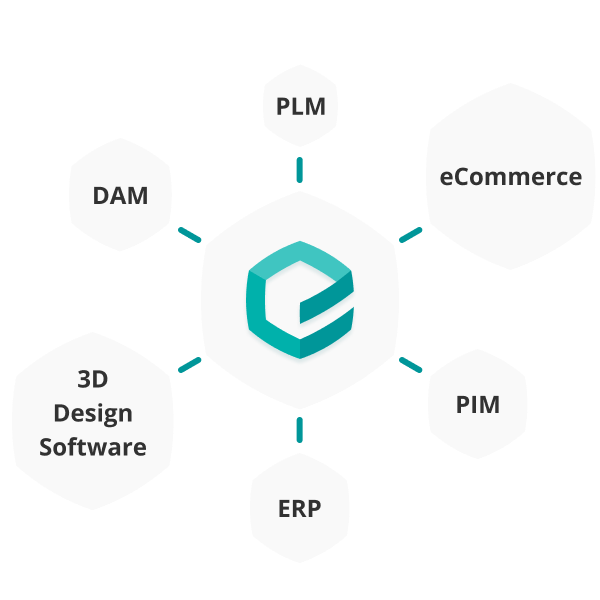
Integrate with ERP, PIM/DAM, CMS, etc.

Make complex products easy to configure and sell

Contact our team today and see how Emersya helps you handle thousands of variants while delivering a smooth, guided configuration experience.

Frequently Asked Questions

What is a 3D Product Configurator?

A 3D product configurator is a real-time visualization tool that allows customer to select and combine product options interactively, exploring every detail in 3D so they can make informed decisions independently.

There are different types of 3D configurators that depend on the type of product and the type of shopping experience the brand or retailer is looking to offer their customers.

Explore the different types of product configurators →

3D product configurators boost sales by transforming passive browsing into active exploration, empowering customers to visualize every option instantly and easily choose the product options they want. This immersive, self-guided experience helps customers make more informed choices and provides the confidence they need to make a purchase.

At Emersya, we believe it’s this combination of consumer empowerment, engagement and confidence that make Emersya’s 3D configurators a proven driver of conversion and a powerful tool for reducing returns.

Discover more about the benefits of 3D configurators →

A 3D product configurator replaces static images with real-time 3D rendering, empowering shoppers to visualize the product instantly, from any angle, as they browse available options.

The interactive tool enhances the shopping experience by making it more immersive, increasing customer engagement and reducing hesitation to create a more confident path to purchase.

See examples of 3D configurators in action →

3D product configurators work best for products with multiple options, components or variants which means they are great solutions for selling furniture, sports equipment, apparel, luxury goods, industrial products and vehicles.

They are particularly impactful for made-to-order, modular and personalizable products where helping customers visualize their exact configuration or custom product is key to closing the sale.

Explore configurator examples by industry →

It depends on your project’s complexity. A simple configurator with color and material options and an auto-generated interface can be set up in a matter of hours once your 3D assets are published on the Emersya Platform. More complex projects involving custom UI, multiple SKUs and integrations typically take a few weeks.

However, complex your project is, building a 3D configurator with the Emersya platform is significantly faster than developing a custom one from scratch — no rendering engine to build, no infrastructure to set up, no starting from zero.

Talk to our team to get an estimate for your project →

The cost depends on your product complexity, visualization needs, level of UI customization and integration requirements.  This article will take you through the different factors to consider when budgeting for your 3D configurator.

Using the Emersya platform to create your 3D product configurator helps you keep production and maintenance costs to a minimum. We offer a number of annual subscription plans with modular options to cater to your project or company needs. If you are looking for help with part of or all of your 3D configurator project, Emersya can provide services for 3D model preparation, configurator setup and custom development.

Contact our team for a pricing estimate →

3D models are an essential component of any 3D configurator. They are what allow customers to interactively explore every option from every angle in real time. That said, you don’t need to have them ready before you start.

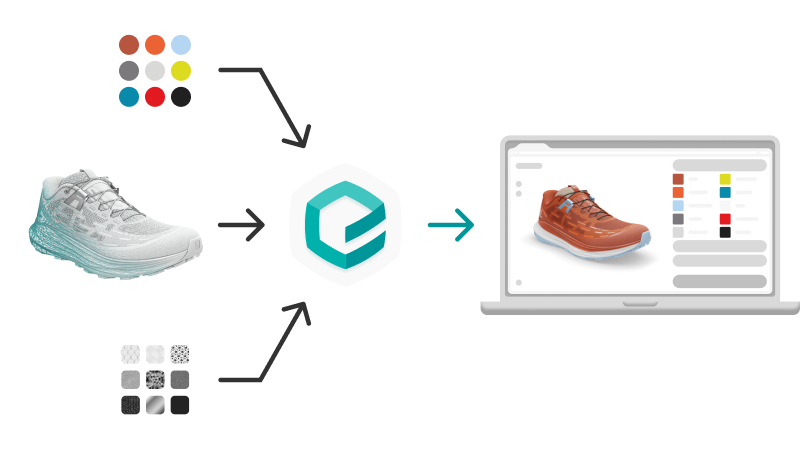
Emersya’s in-house expert team can create 3D models from any available assets: product images, CAD drawings, material swatches, garment patterns or physical products… etc. The more high-quality digital assets you can provide, the faster and more cost-effective the preparation process.

Learn more about Emersya’s 3D services →

In most cases, yes you can import your existing assets so you won’t need to start from scratch!

Emersya supports 20+ file formats for 3D models, including glTF, glb, FBX, DAE, OBJ and CAD files, as well as digital material formats including U3M, AxF and Substance files.

To get the best out of your configurator (fast loading, fluid interaction, true-to-life visualization), existing assets sometimes need to be optimized. Emersya provides detailed guidelines for assets coming from all major 3D software, along with platform tools and in-house services to help you get there.

See all supported formats and setup guidelines →

Yes! Emersya is compatible with any eCommerce platform or custom-built website, with no rebuild required. The configurator embeds directly into your product page via iframe, just like a video and connects to your eCommerce system using Emersya’s API.

This allows your platform to retrieve the customer’s selected options and pricing for the add-to-cart summary page and order processing in your back office, keeping your existing checkout flow fully intact.

How to embed your configurator →
Explore the API →

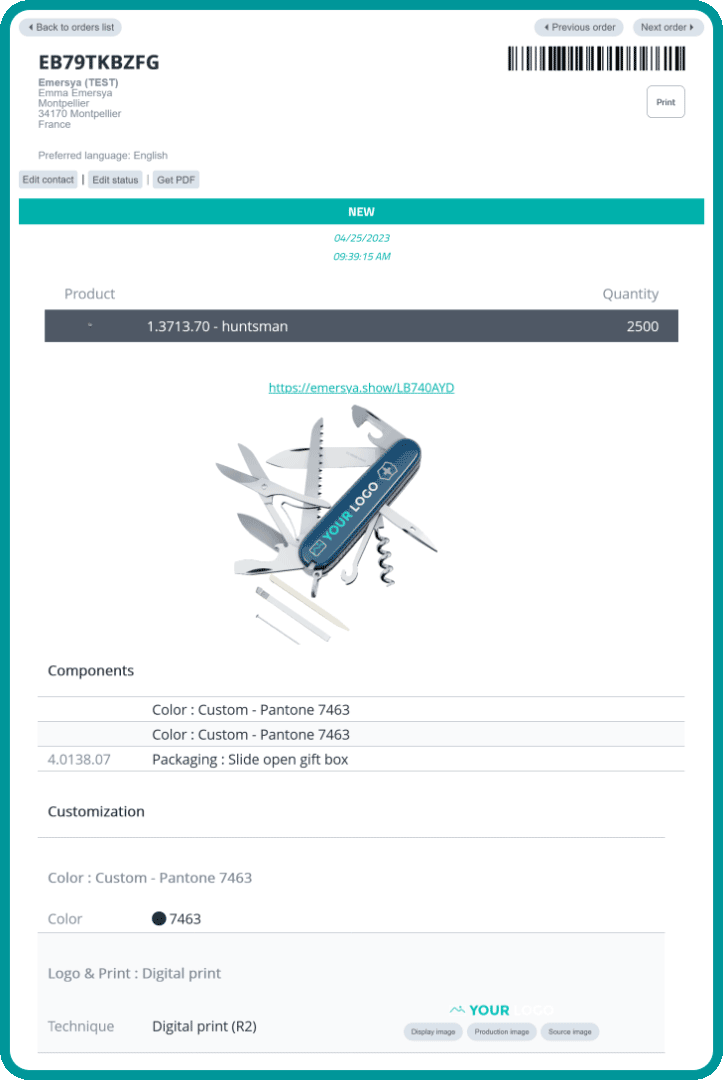
Yes, and this is where a 3D configurator truly transforms your operations. Emersya can automatically generate production-ready files for each custom order (including print-ready text and images for engraving, printing and other personalization techniques) eliminating the costly, error-prone manual preparation that slows down made-to-order workflows.

You can manage this directly through Emersya’s integrated Order Management solution, or connect the configurator to your existing OMS, ERP or PIM via Emersya’s API for a fully automated pipeline.